Basic
Give your TV something worth looking at.
Basic Screens brings nature, motion and visual art to your Apple TV. Eight screens come with the app, from still water and a warm fireplace to illustrated worlds and moving type.
Lakeside Stones, one of the eight included screens. The clock keeps your time.
Eight screens, free from the start.
Pick a screen and it loops for as long as you like. Press Play all and the whole library plays through, one screen after another.
Swipe to move between screens in a loop, click to bring up the title and the clock, and press Back to return to your library.

Your Library
8 screens. Pick one to loop, or play the whole library.
Make the clock part of the scene.
Show the time, the day of the week, the month and the date in the combination you prefer. Pick the classic clock or one of three large faces: Numerals, Tall or Headline.
Choose a size, a corner and how dark it gets behind the clock. Keep it on screen, hide it, or let it fade in and out at the interval you choose.
Clock & date
A quick glance, when you want it.

The screens you want, together.
Make a Mix from your library, set the order or turn on shuffle, and play it whenever you like.
Screens from packs can go into any Mix, and every Mix stays on your Apple TV.



Find your next view.
Packs add four or eight screens at a time. Each pack is a one-time purchase, its screens join your library and any Mix, and they download to your Apple TV to play from there.
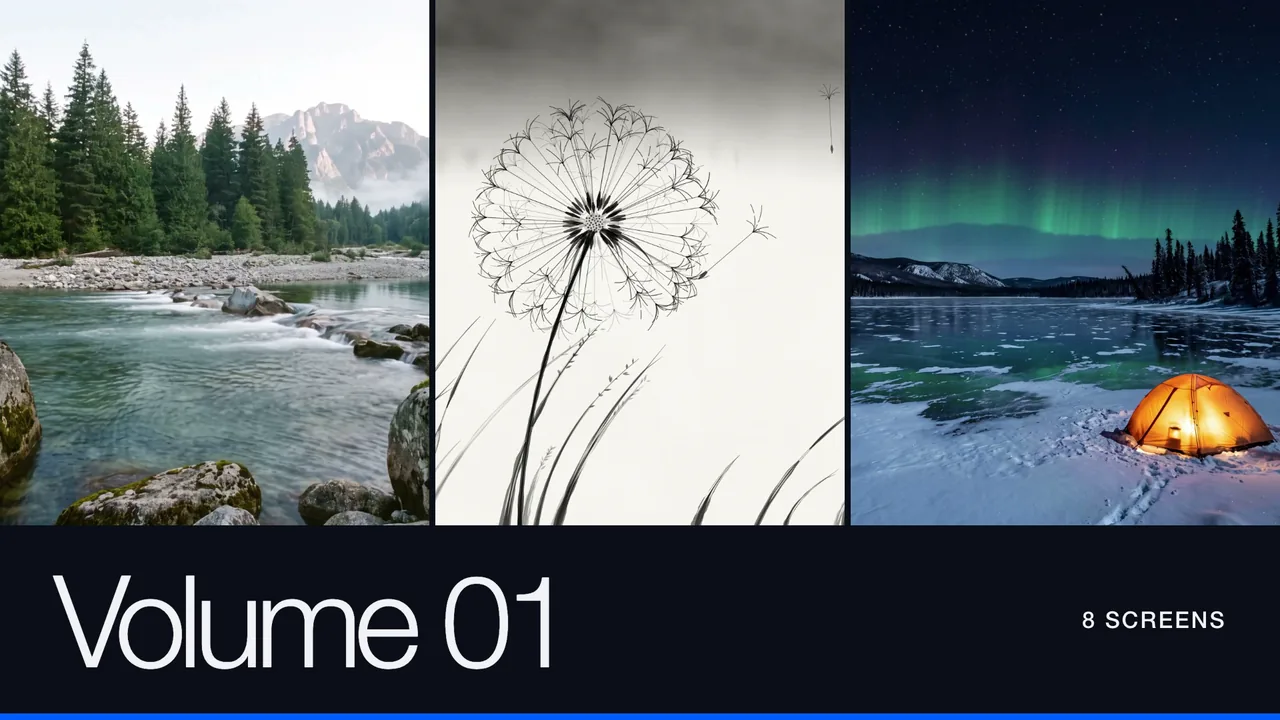

Volume 018 screens · $4.99
Eight screens, from snowy valleys and flowing rivers to northern lights, ink paintings and light beneath the water.
 Snow Valley
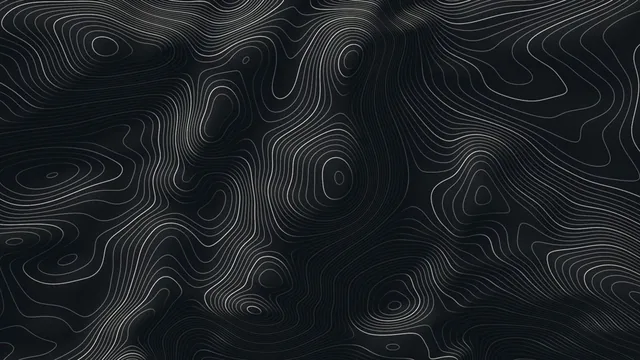 Contour Flow
 Aurora Night
 Dandelion
 Mountain River
 Bioluminescent Deep
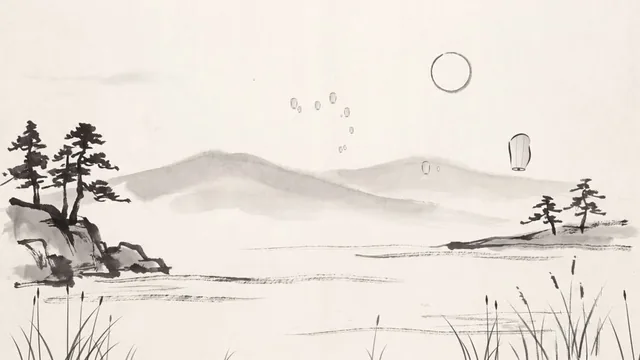 Lantern Festival
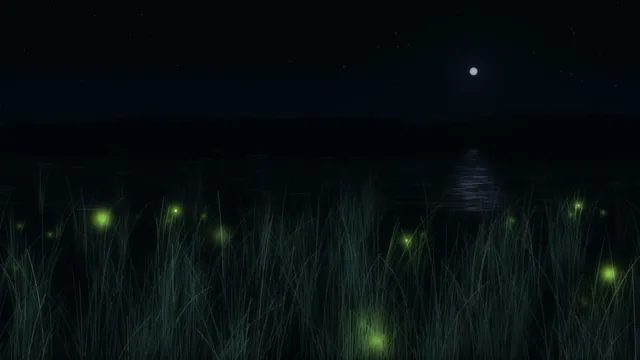 Fireflies
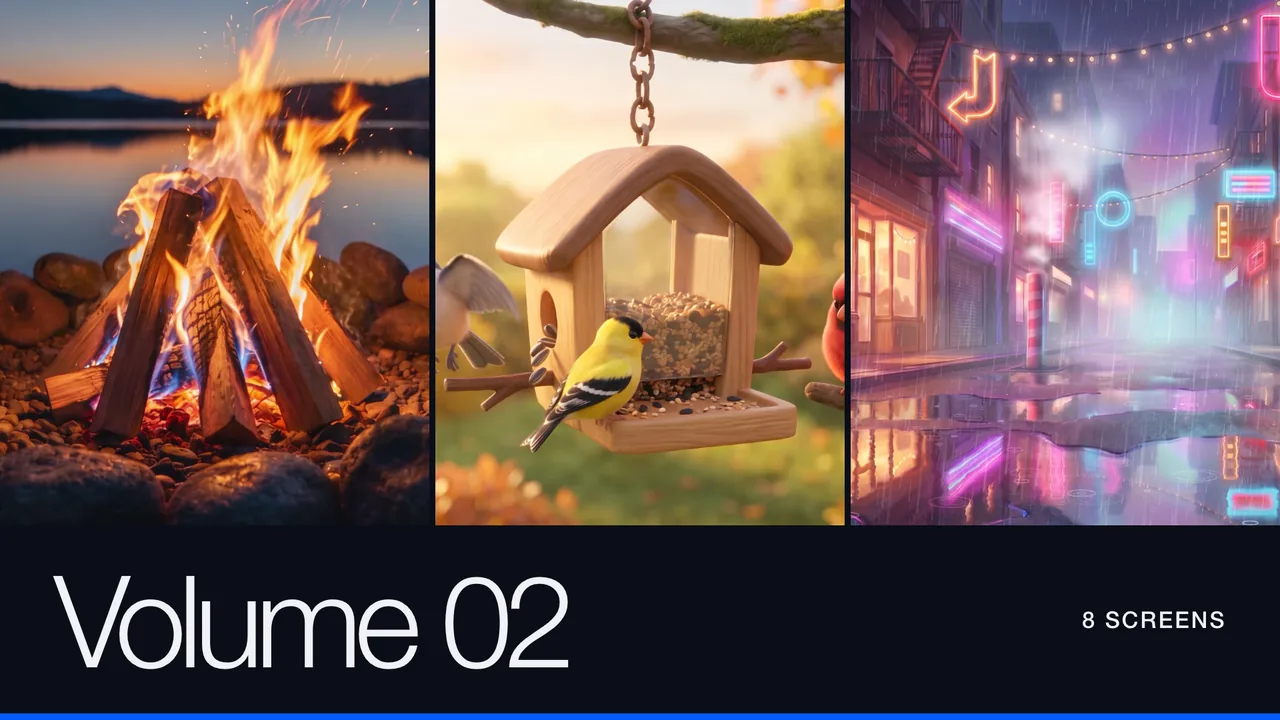
Volume 028 screens · $4.99
Eight screens, from a lakeside fire and autumn leaves to neon streets, a night train and moving type.
 Lakeside Fire
 Jack-o'-Lantern
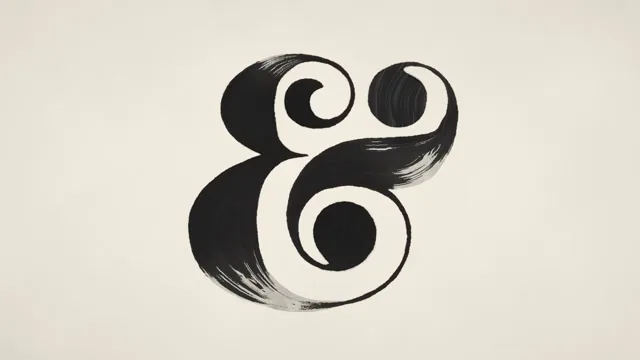 Ampersand Anthology
 Rainy Neon Street
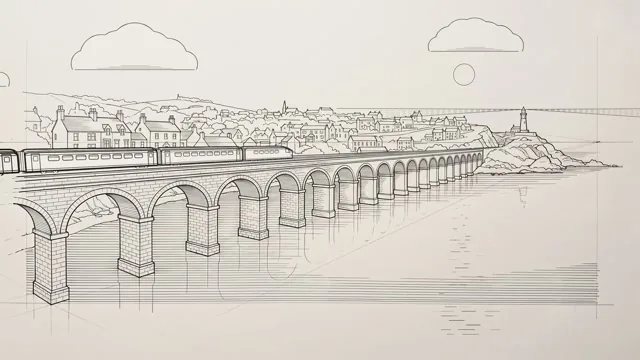 Night Train
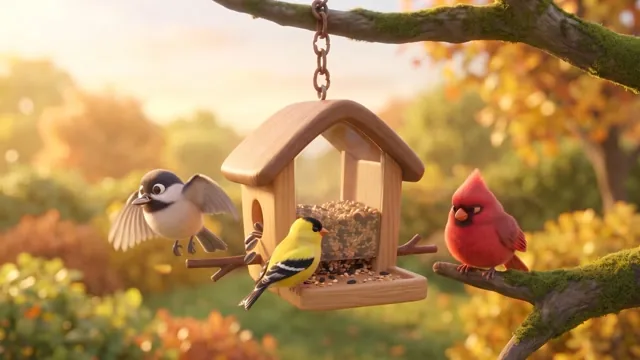 Bird Feeder Cam
 Fall Day
 Quiet Moonlight
Holiday Pack 014 screens · $2.99
Four screens of snow, firelight and Christmas Eve.
 Snowy Cabin
 Village Square
 Stockings by the Fire
 Santa's Workshop
Free to start. Packs when you want them.
Free
The app, eight screens and every setting, with nothing to sign up for.
- Eight screens in your library
- Every clock and date setting
- Mixes, in order or shuffled
- No account, no ads, no tracking
Packs
Four or eight more screens per pack. Buy the ones you want and keep them.
- Volume 01: eight screens
- Volume 02: eight screens
- Holiday Pack 01: four screens
- Screens join your library and any Mix
- No subscription
Basic Screens plays while the app is open, like any video app.
The rest of the picture.
Watching
- One screen on repeat
- Your whole library, start to finish
- Mixes, in order or shuffled
- Pause and resume from the remote
- The title and the clock with one click
The clock
- The classic clock or three large faces
- Time, weekday, month and date, in any combination
- Classic in Split, Stacked or Horizontal
- Any corner, three sizes, any tint
- 12-hour or 24-hour time
- Always on, hidden, or on a timer
Your Apple TV
- Apple TV HD and Apple TV 4K
- tvOS 18 or later
- Packs download and play from your Apple TV
- Settings and Mixes stay on your Apple TV
- No account, no ads, no tracking
What’s new.
- 01
Three new clock faces
A big time with the day and date in smaller type. Pick Numerals, Tall or Headline in Clock & date, under Style.
- 02
The classic clock stays
With all its layouts.
- 03
A new logo
Your library has a new Basic Screens logo at the top.

Basic Checkbook
A modern checkbook register that brings clarity to your finances.
Ink.
Editorial paper-themed notes, written by voice. iCloud sync across iPhone, iPad, and Mac.

Basic Intake
Supplement tracking with an AI advisor, streaks, and caregiver mode.
Drift
60-second micro-decompression, breathe, touch, listen, reset.

Basic Bins
The inventory you will actually keep. Photograph what goes in the box, label it, and see inside without lifting the lid.

Basic Fidgit
Sixty tactile screen fidgets with real haptics and sound.